 Flatten PDF
 4.9 (9,000+ Reviews)
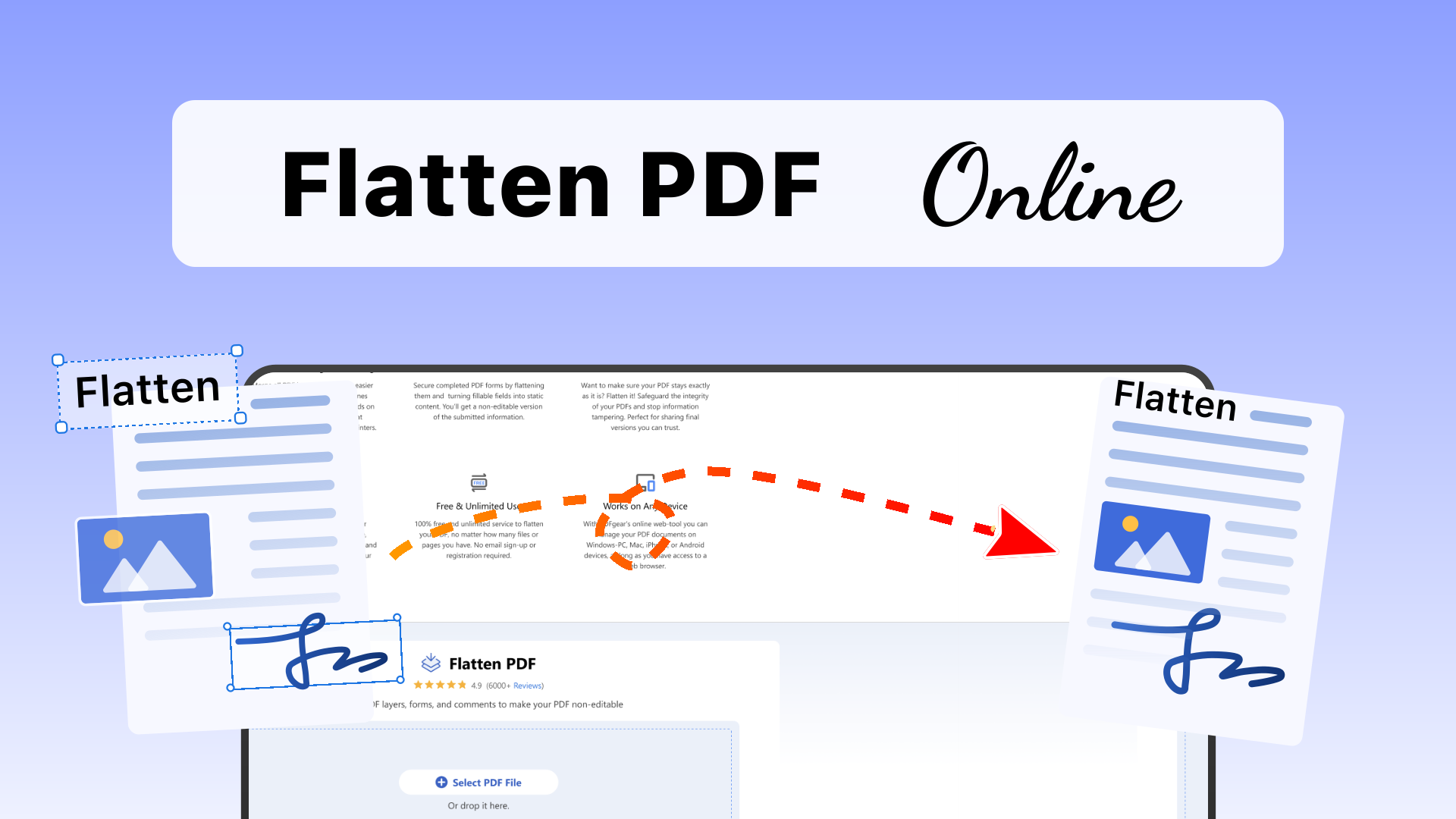
Flatten PDF layers, forms, and comments to make your PDF non-editable

 Select PDF File
Or drop it here.
Loading... 0%
Manifest der Kommunistischen Partei.pdf
1.19 MB
Flatten Option

All content on each page of the PDF will be flattened into a non-editable image, making the text unmodifiable.
Only the form fields will be flattened into a read-only state, preventing any further changes.
Your file is ready
Manifest der Kommunistischen Partei.psd
 Your file will be deleted permanently.
Delete File
Your file will be deleted permanently.
Delete File

 Start Over
Sharing is caring
Find PDFgear helpful? Share and help others discover it. Your support means the world to us!


- No file data is uploaded or transferred over the internet
- Files stay locally within your browser
- All processing occurs entirely within your browser
Learn more about why PDFgear is free. Still have questions? Feel free to contact us.

Flatten for Printing and Sharing
Merge all PDF layers into one for easier printing and sharing. This combines content, annotations, and form fields on one layer, bringing better compatibility of interactive elements among printers and viewers.

Flatten PDF Forms
Secure completed PDF forms by flattening them and turning fillable fields into static content. You’ll get a non-editable version of the submitted information.

Prevent Unauthorized Edits
Want to make sure your PDF stays exactly as it is? Flatten it! Safeguard the integrity of your PDFs and stop information tampering. Perfect for sharing final versions you can trust.

Secured Privacy
All flatten operations are processed locally on your device without uploading to a remote server, ensuring privacy and data security. See our Privacy Policy for more details.

Free & Unlimited Use
100% free and unlimited service to flatten your PDF, no matter how many files or pages you have. No email sign-up or registration required.

Works on Any Device
With PDFgear’s online web tools you can manage your PDF documents on Windows PC, Mac, iPhone, or Android devices, as long as you have access to a web browser.
How to Flatten PDF Online for Free
1. Upload a PDF File
Simply drag and drop or click "Select PDF File" to upload your file from your local computer.
2. Choose a Mode for Flattening
To flatten form fields into a read-only state, select "Flatten only form fields" option. For other cases, choose "Flatten all content" option.
3. Download PDF File
Your PDF will be flattened in seconds. After that, you can click the "Download File" button to save it to your device.
Your Questions Are Answered
What does flatten PDF mean?
Flattening a PDF merges all its interactive or layered elements – like annotations, form fields, and separate design layers – into a single, unified layer. This creates a static version of your document, making annotations and form fields visible in any viewer, even those that don’t support interactive elements.
Should I flatten PDF for printing?
Yes, it's always recommended to flatten your PDF before printing. Flattening helps ensure that the document prints exactly as you see it on your screen.
What's the difference between "flatten forms" and "flatten all"?
PDFgear offers two flattening option: The "Flatten only forms fields" option will turn those form fields into a read-only state, making them impossible to modify. The "Flatten all content" option converts all elements in the PDF file to image-based, non-selectable elements.
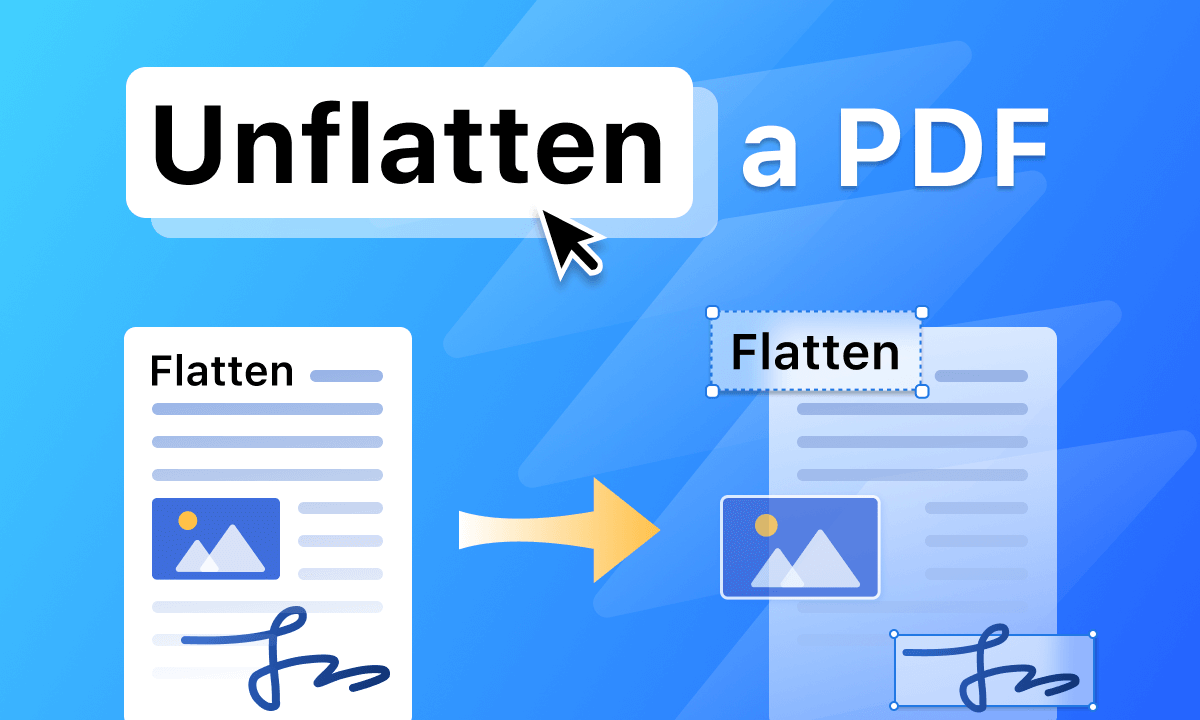
Can I unflatten a PDF to recover its layers?
Unfortunately, the flattening process is usually irreversible. You'd better keep a copy of the original PDF. Using PDFgear online tool to flatten PDF will not change your original file, but will directly create a new flattened copy. If you need to undo the flattening, then you probably need to read this article to recreate a fillable and interactive PDF.
Tips and Tricks for Flattening PDF
 How to Flatten PDF for FREE
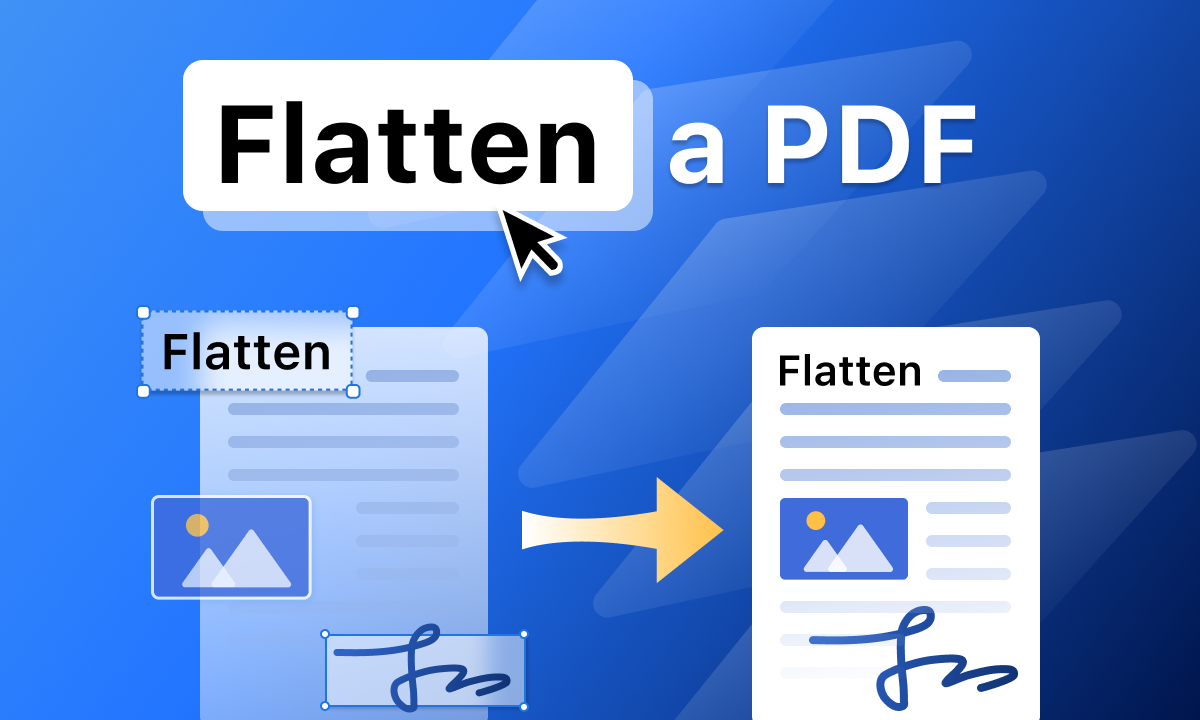
Flattening a PDF helps make all interactive or dynamic elements static and uneditable. Here's how to do it for free.
 How to Actually Unflatten PDF Documents Online and Offline
 How to Make Your Editable PDFs Truly Non-Editable
More Offline Tools to Adjust PDF Pages
Try PDFgear software and app for free.