1-Click Conversion
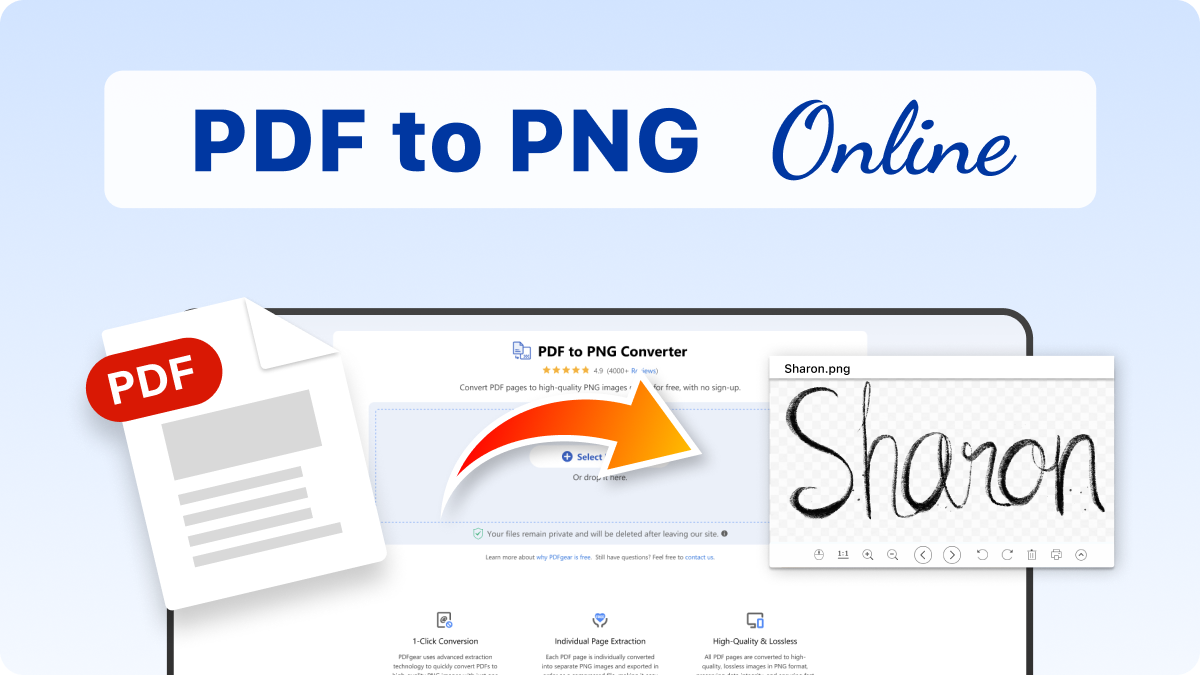
PDFgear uses advanced extraction technology to quickly convert PDFs to high-quality PNG images with just one click, in just a matter of seconds.
Individual Page Extraction
Each PDF page is individually converted into separate PNG images and exported in order as a compressed file, making it easy to access the exact content you need.
High-Quality & Lossless
All PDF pages are converted to high-quality, lossless images in PNG format, preserving data integrity, and ensuring fast loading for your convenience.
No Ads or Limits
Enjoy unlimited PDF to PNG conversions with no annoying ads, no required sign-up, and no limits on the speed of your conversions.
Convert Anywhere
This browser-based tool allows you to quickly convert PDFs to PNGs from any computer and mobile device in Linux, Windows, Mac, iOS, or Android.
Safe and Secure
PDFgear ensures your files remain private. The PDF to PNG conversion runs locally on your device without uploading any files. More details can be found in our Privacy Policy.
PDFgear has got you covered with full PDF editing suites, including online and offline tools.
| Features | PDFgear Software | PDFgear PDF to PNG |
|---|---|---|
| Accessibility | Installation required | Web browser-based |
| File Size Limit | No limit | No limit |
| Performance | Fastest | Faster ¹ |
| Internet Requirement | Works without Internet | Internet required |
| Functionality | Batch convert PDF to PNG, and access an all-in-one PDF solution for editing, converting, signing, splitting, merging, compressing, and more | Limited to PDF to PNG or to other image formats |
| User Experience | Advanced and full-featured | Simple and easy to use |
| Data Processing | Files processed on local device | Files processed in browser locally |
| Ideal For | Power users needing advanced features and offline access | Users looking for quick PDF-to-PNG conversion online |
1. Faster: Requires uploading files to the server for processing; speed may vary depending on the size and complexity of the PDF file.
Simply drag and drop your PDF file or click the "Select PDF File" button to get started.
Once uploaded, the PDF will be automatically converted to PNG images in just a few seconds.
Click the "Download File" button to save the compressed ZIP file. After extracting it, you can view or edit the individual PNG files.
Yes. PDFgear ensures high-resolution PNG outputs, retaining the sharpness, color accuracy, and clarity of text and images from the original PDF.
No. PDFgear is free with unlimited conversions and supports files of any size. There are no restrictions on how many files you can process.
Yes. PDFgear allows you to choose specific pages for conversion. You don’t need to process the entire PDF if you only need a few pages as PNG images.
Absolutely. PDFgear processes files locally on your device. No files are uploaded, ensuring your sensitive information remains private and secure.
Yes. PDFgear retains the original color accuracy and any transparency elements in the PNG images, ensuring they match the PDF exactly.
Try PDFgear software and app for free.